PODCAST LISTENING / AntennaPod
Offline listening needs completed downloads and a realistic selection. A large library of partially prepared episodes is less useful than a small set you have verified before leaving.
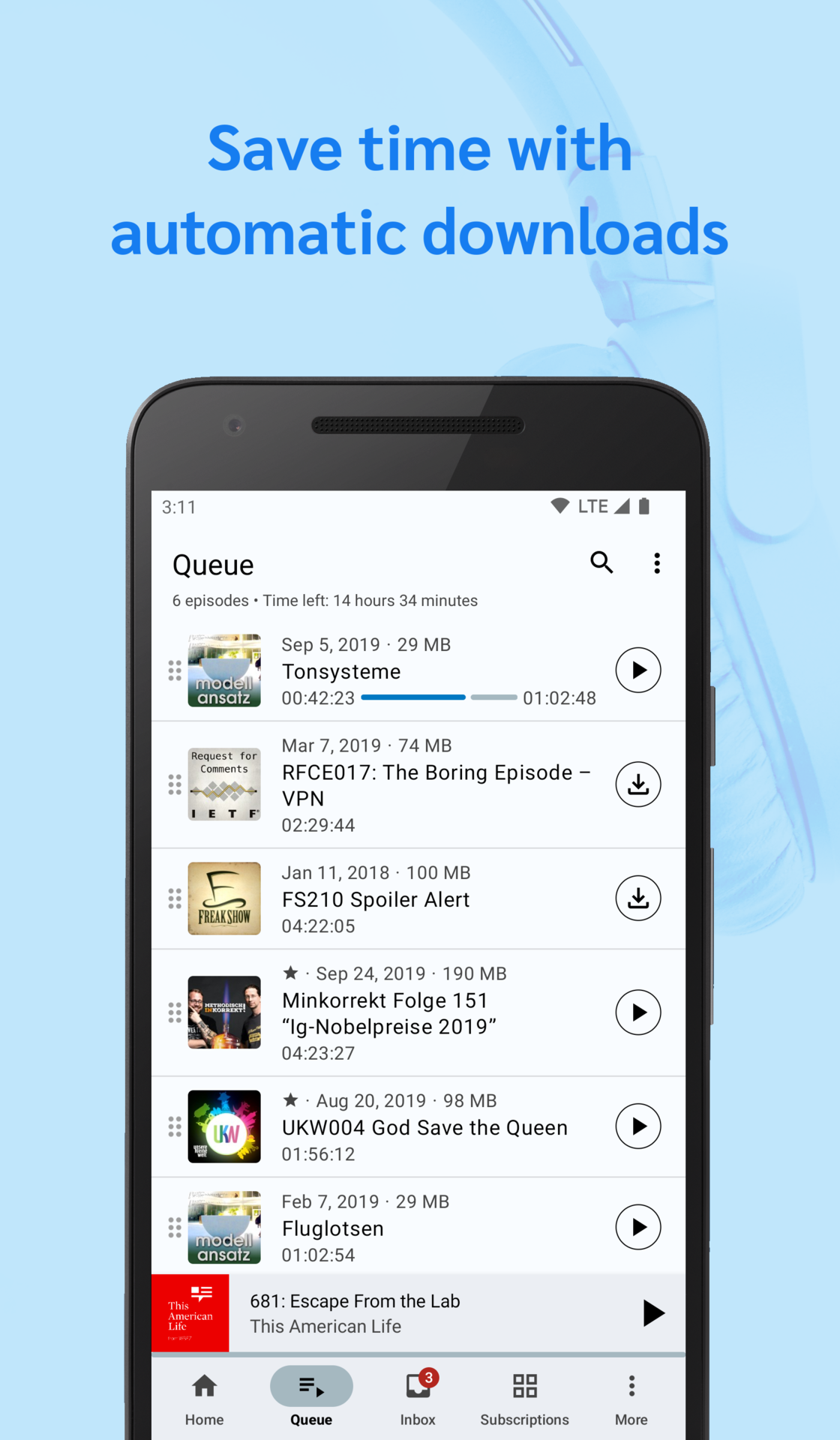
Estimate the actual listening window
Consider how much of the journey you expect to spend listening. Add a modest alternative for a change of mood rather than downloading an entire season by default. Episode length, interest and serial order matter more than a large count. Keep a few familiar choices available so that the trip does not depend entirely on unfamiliar shows.
Check the download outcome
AntennaPod supports downloads and automatic downloading, but your task is to verify the files on your own device. Allow them to finish on a suitable connection and inspect available storage. A queue entry alone is not proof that its audio is stored locally. Test the selected episodes with connectivity unavailable before relying on them during travel.
Review automatic behaviour
Downloads, queue additions and cleanup rules can interact. If the app removes played material or fetches new episodes automatically under your settings, understand what that means for the trip selection. Avoid changing several rules at once just before departure. A small predictable setup is easier to trust than a newly configured automation you have never observed.
Clean up with intention afterwards
After the journey, review what remains useful. Use the app's normal controls to remove downloaded copies you no longer need, while keeping subscriptions or favourites where appropriate. Do not confuse freeing local storage with withdrawing access to a publisher's feed. Keep any genuinely irreplaceable material only where you have the right to retain it.
A small check to try
- Select a realistic amount of listening.
- Test completed downloads offline.
- Review storage and cleanup rules before departure.