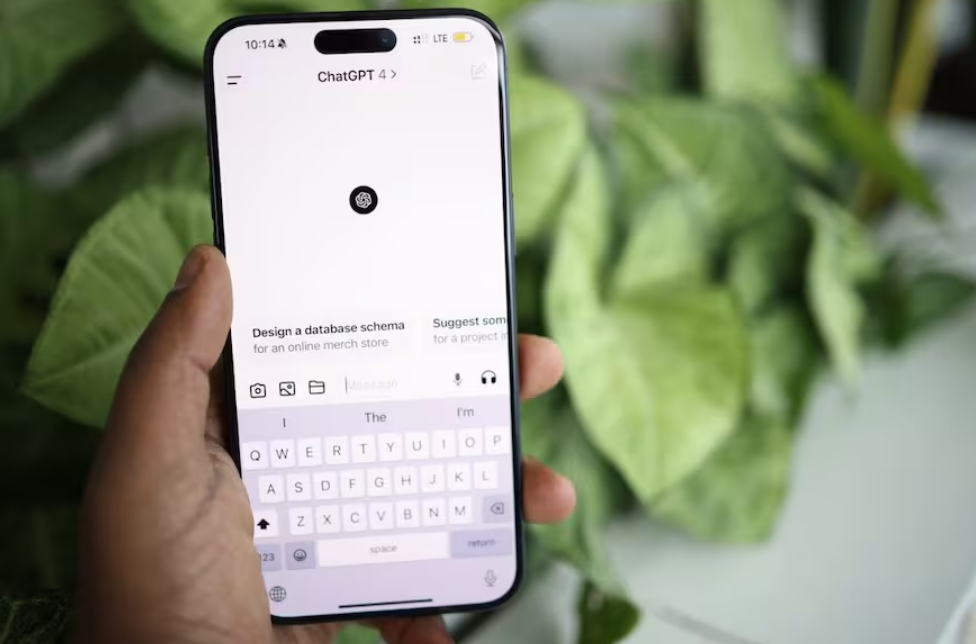
If you signed up for ChatGPT Go via a 12-month free trial offered in India, you might be wondering what happens once the free period ends. If you do not wish to continue with a paid subscription, it is advisable to check your renewal date and cancel in time. After the free period concludes, the monthly subscription fee for ChatGPT Go in India is ₹399. The cancellation process is quite straightforward, though the specific steps vary depending on whether you signed up via the website, the Google Play Store, or the App Store.
How to cancel ChatGPT Go on the web
If you subscribed to ChatGPT Go through the website, you can cancel your subscription by following these steps:
Open ChatGPT in your browser and log in to the account associated with your ChatGPT Go subscription.
Click on your profile icon and select “Settings.”
Select “Billing” from the settings menu.
Locate the “Cancel plan” section and click “Cancel.”
If prompted, follow the on-screen instructions to complete the cancellation.
How to cancel ChatGPT Go on Android and iPhone
If you subscribed to ChatGPT Go via the Google Play Store or Apple App Store, you will need to cancel your subscription through the respective platform.
Android:
Open the Google Play Store on your phone and ensure you are signed in with the same Google account used to subscribe to ChatGPT Go.
Tap your profile icon in the top-right corner.
Select “Payments & subscriptions,” then tap “Subscriptions.”
Find ChatGPT in your list of subscriptions and tap on it.
Select “Cancel subscription” and follow the on-screen instructions to confirm the cancellation.
On iPhone:
Open the “Settings” app on your iPhone and tap your name at the top.
Select “Subscriptions” to view the subscriptions linked to your Apple account.
Find ChatGPT in the list and tap on it.
Select “Cancel subscription” and confirm your decision when prompted.
Important notes before cancelling:
Before cancelling, please verify which platform you used to subscribe to ChatGPT Go. If you subscribed via the official website, you must cancel through the website. The same applies to subscriptions activated via the Google Play Store or Apple App Store. OpenAI recommends cancelling at least 24 hours before your next billing date to avoid additional charges. You can also check your current subscription’s renewal date via the platform you used to sign up.
If you are using a 12-month free trial, there is one important point to note: canceling a promotional subscription may result in the immediate loss of access to ChatGPT Go, even if the trial period has not yet concluded. You do not need to delete your ChatGPT account to cancel your subscription, and simply uninstalling the app will not cancel it either. Removing a saved payment method will not prevent an active subscription from renewing; therefore, please ensure you complete the full cancellation process and confirm that your subscription is set not to renew.
Frequently Asked Questions (FAQ)
- How much does ChatGPT Go cost in India after the free trial period ends?
In India, ChatGPT Go costs 399 INR per month following the 12-month free trial period. - Can I cancel ChatGPT Go before the free trial period ends?
Yes, you can cancel your subscription before the promotional period concludes. - Will I lose access to ChatGPT Go immediately after canceling my subscription?
Canceling a promotional subscription may result in the immediate loss of your Go membership benefits.