RECORDING AND EDITING / Audacity
For a voice note, interview excerpt or short narration, the biggest improvement often comes from choosing the right take and making clear edits. Audacity provides the tools; a sensible order keeps the process manageable.
Define a small finished result
Start with one short recording and a clear destination. Perhaps you want a two-minute explanation with a clean beginning, one corrected mistake and an intentional ending. This is a better learning project than a long interview with many speakers. Preserve the original file before experimenting, and work with a clearly named project so that you can distinguish it from the final listening copy.
Learn what you are selecting
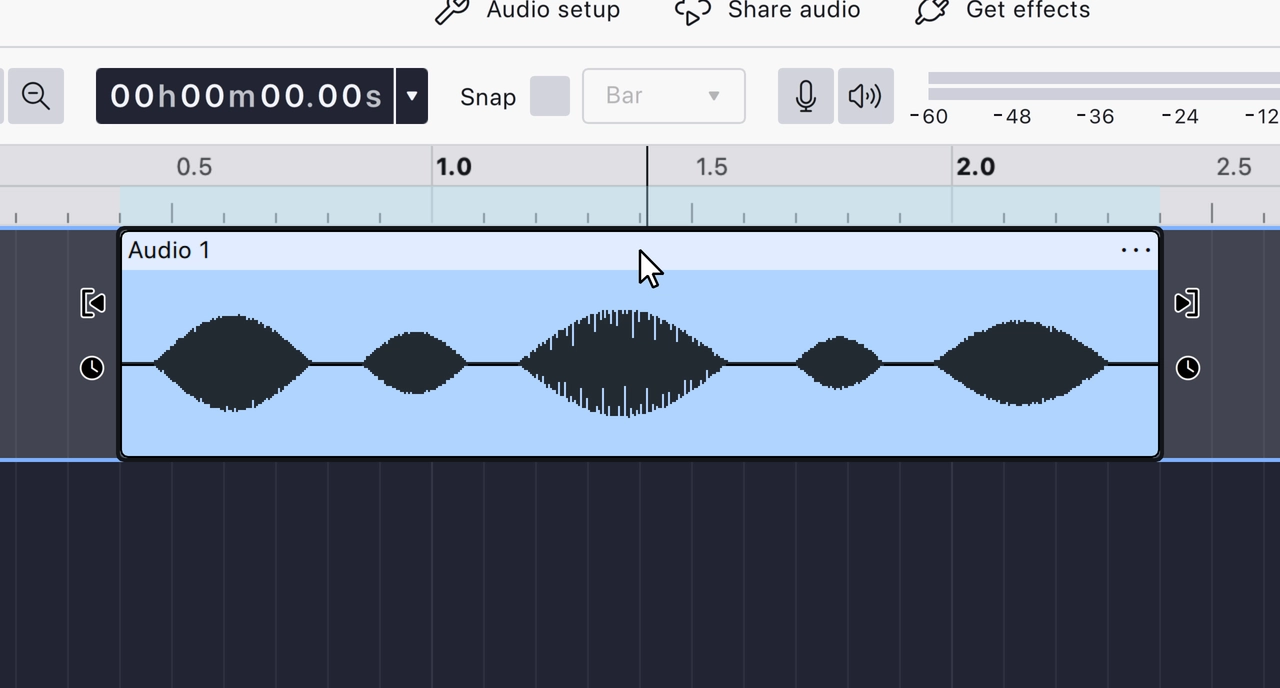
Audacity's current editing guide distinguishes selecting a clip from selecting a time range inside its waveform. That distinction changes what a move or deletion affects. Practise on a disposable copy: select a whole clip, then a short passage, and listen to the selection before changing it. Use undo when the result differs from what you expected.
Fix structure before texture
Choose the strongest take, remove genuinely unwanted material and arrange the explanation before adding processing. Keep natural pauses where they help a listener follow the argument. If an edit cuts a word or removes the space between two ideas, a cleaner noise floor will not repair the communication. Listen across each join rather than judging it only from the waveform.
Finish outside the editor
Export a short sample and listen in an ordinary playback app. The editable project and the delivered audio are different things. Check the first sentence, the edited join and the ending, then listen through the complete export. Keep the project and source together so that a later correction does not require rebuilding the work from the compressed listening copy.
A small check to try
- Preserve the unedited recording.
- Practise clip and time-range selection on a copy.
- Listen to the exported file outside Audacity.